
HOLDER TRANSMISSION · LPSO-001
EVERY ALIEN
NEEDS A WORLD.
Your alien. Your corner of the universe.
Claim its matching Lonely Planet, straight from the original collection.
0 ETH MINT PRICE + ETHEREUM NETWORK GAS
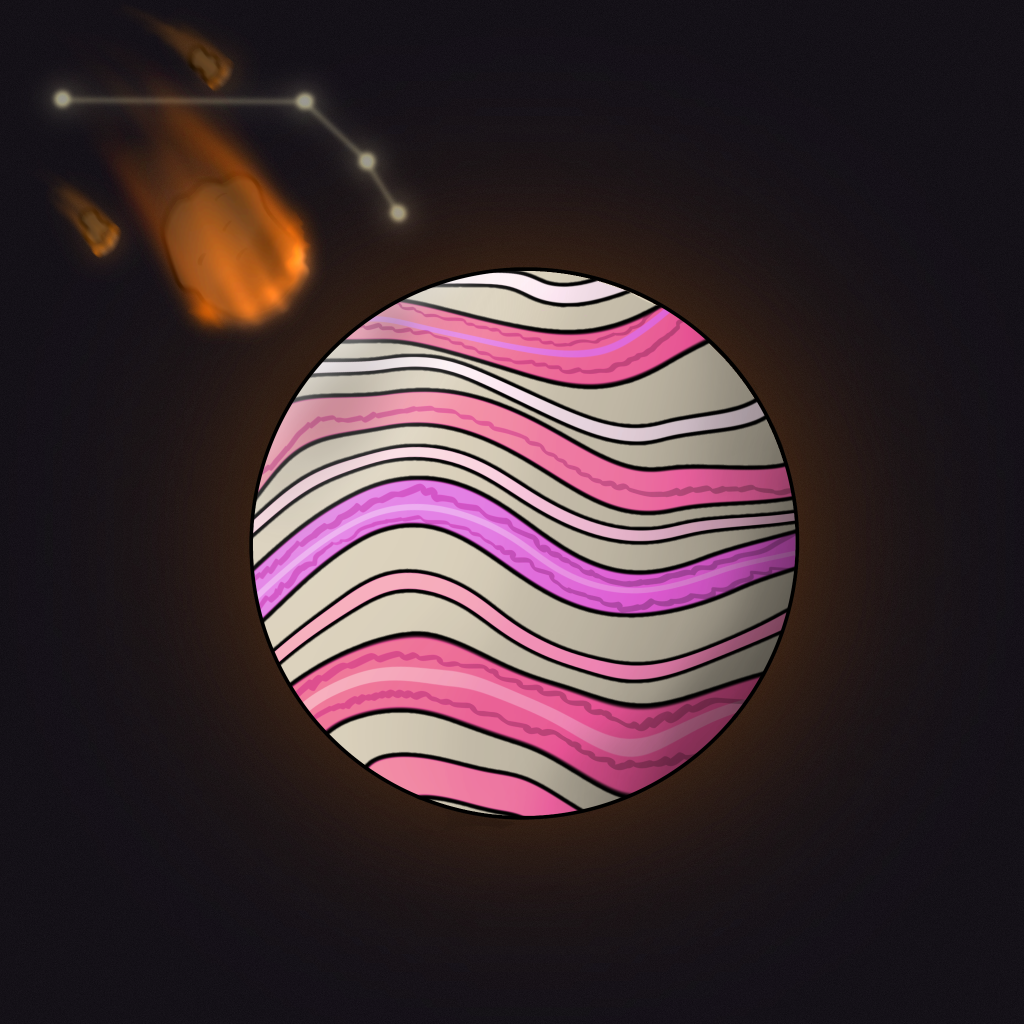
01 / LOCATE YOUR WORLD
READY FOR
TOUCHDOWN?
Connect your wallet to find your aliens and see which planets are still waiting. We’ll verify ownership and claim status on Ethereum before you sign anything.
- 01Connect your wallet
Your aliens appear automatically.
- 02Choose an unclaimed planet
See what’s available and what’s already claimed.
- 03Claim your world
Review the live network fee and confirm in your wallet.
On mobile? Open lonelyaliens.com/planets inside your wallet’s browser.
YOUR ALIENS
Switch to Ethereum mainnet to claim your planet.
02 / REVIEW YOUR CLAIM
- Planet
- —
- Mint price
- 0 ETH
- Estimated network fee
- —
- Suggested maximum network fee
- —
- Estimated gas used
- —
- Current fee per gas
- —
- Network
- Ethereum mainnet
The suggested limit includes a 20% gas buffer. Unused gas isn’t charged. We refresh the fee before requesting your wallet confirmation; your wallet shows the final fee.
If you replaced or cancelled this transaction in your wallet, you can stop tracking it here. This does not cancel a transaction on Ethereum. Check your wallet before submitting another claim.
YOUR NEXT WORLD IS OUT THERE.
ENTER AN ALIEN ID TO BEGINBEFORE YOU LAND
FLIGHT NOTES.
Is the planet free?
The original contract charges 0 ETH to mint. You pay Ethereum’s network gas fee, which is shown before you confirm. There are no NFT transfer approvals in this claim flow.
Why might my wallet show a surprisingly high gas fee?
A fee depends on both gas units and the price per unit. Some gas trackers round tiny gwei prices to “0.” A failed mint simulation, an inflated gas limit or custom wallet fee settings can also cause a misleadingly large quote. This page simulates eligible claims first, then passes a measured gas limit and fresh network fee settings to your wallet. If the wallet shows a much higher amount, reject it and compare its gas limit and fee per gas with the review above. Don’t raise the gas limit to force a failing claim.
How does the wallet list stay accurate?
We use the site’s ownership snapshot to find likely matches, then verify ownership, planet claim status and your alien balance directly on Ethereum at the same block. If aliens have moved since the snapshot, we scan the collection to find the rest. Account changes and confirmed claims refresh the list. Use Refresh to check for recent transfers.
I bought an alien. Can I claim its planet?
Yes, if that alien’s planet has never been minted and your connected wallet currently owns the alien. A previous holder may already have claimed and sold the planet separately. A transfer of the alien does not reset its claim.
Why does the contract mention a “Bull” or “Bear”?
Those are leftover words in the original contract’s error messages. The contract checks the LASC alien collection. The wallet sending the claim must own the exact alien ID entered.
My alien is in a vault or another wallet.
The wallet that actually owns the alien must execute the claim. Connecting a different wallet, or having transfer approval or delegated access, is not enough. Contract wallets must also support receiving ERC-721 NFTs.
What about alien #10001?
The original planet contract only accepts IDs below 10001. Alien #10001 exists, but its planet cannot be minted through this contract. This page will explain that limitation and won’t ask you to pay gas for an impossible claim.
Which wallets can I use?
Use an Ethereum browser wallet such as MetaMask, Rabby or Coinbase Wallet. If you have several installed, choose the one holding your alien. On mobile, open this page in your wallet’s built-in browser. WalletConnect QR pairing is not supported on this page.
THE ORIGINAL COORDINATES
Claims use the existing Lonely Planet Space Observatory contract on Ethereum.
0x2299bfdd01ea047a1a3231c2702bfcb44c1e4d25